Pricing stays with the creator
Each creator sets their own tier names, perks and prices. You set the platform fee and the tip range for the whole site.

OFEngine lets each creator stack several subscription tiers, sell them by the month, quarter, half-year or year, and hand out trial links. Fans browse a Discover page, and creators work from a media vault. You pay for the software once and keep the platform fee you set.
Tiers, bundles, promotions and trial links come with Pro and above. OFEngine is independent software with no link to Fansly.
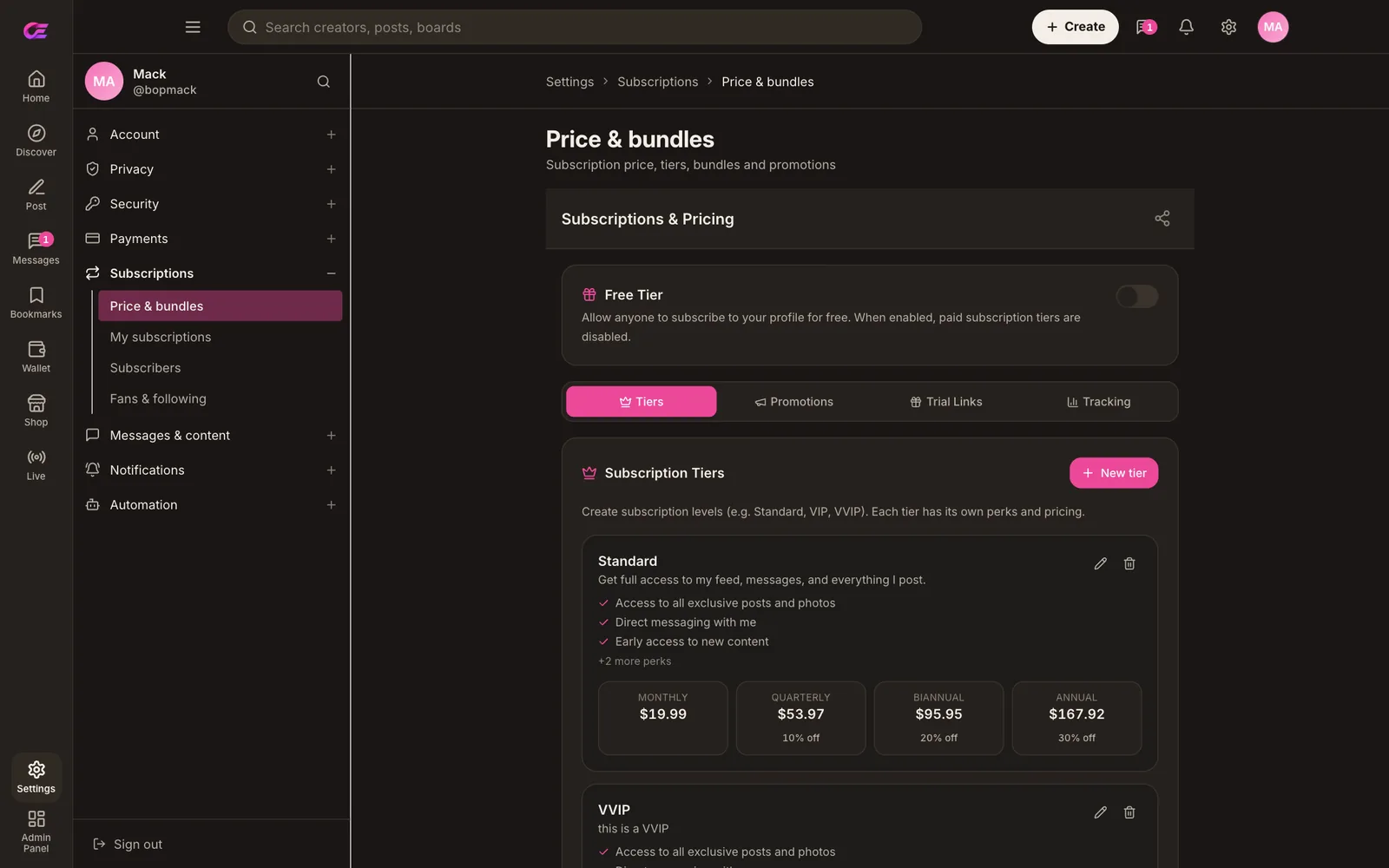
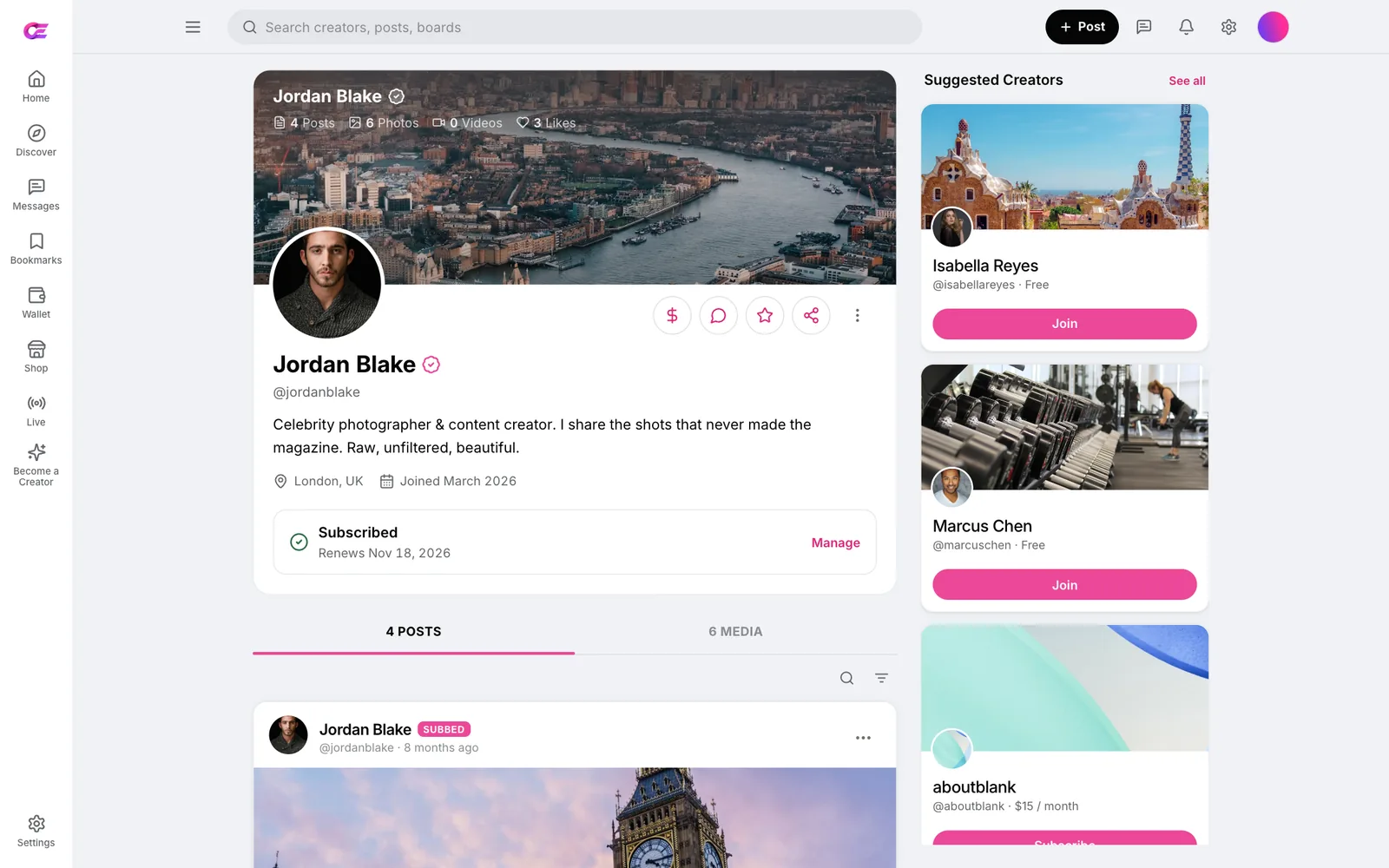
A creator's tier ladder on our demo (demo prices). Log in as a creator and build your own →
Tiered subscriptions are what set Fansly apart: a creator can run several tiers, each with its own benefits,[2] and discount longer plans.[4] OFEngine puts the same pricing model on a site you own.
A creator opens Price & bundles, adds a tier in a three-step form, names it (Standard, VIP, Platinum or anything else) and lists what fans get. Fans see the tier name exactly as the creator writes it.
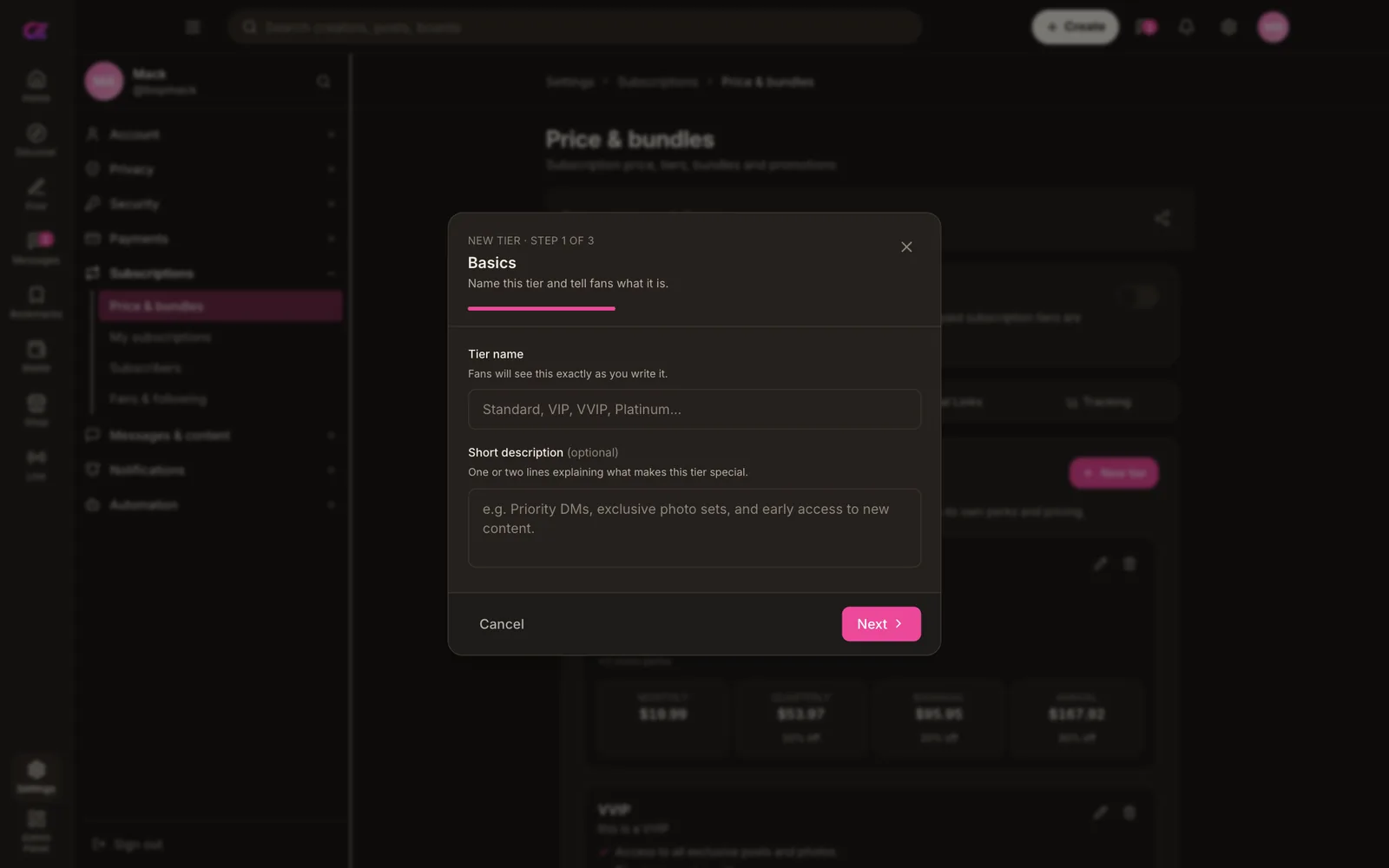
Next to the tiers sit tabs for Promotions, Trial Links and Tracking. A creator can run a limited offer for a launch or a holiday, or post a trial link on social media so new fans can try the feed before paying full price.
Fansly offers time-limited promotions, discount links and free trials too.[4][5] On your own site, the creator keeps those tools and you keep the platform fee.
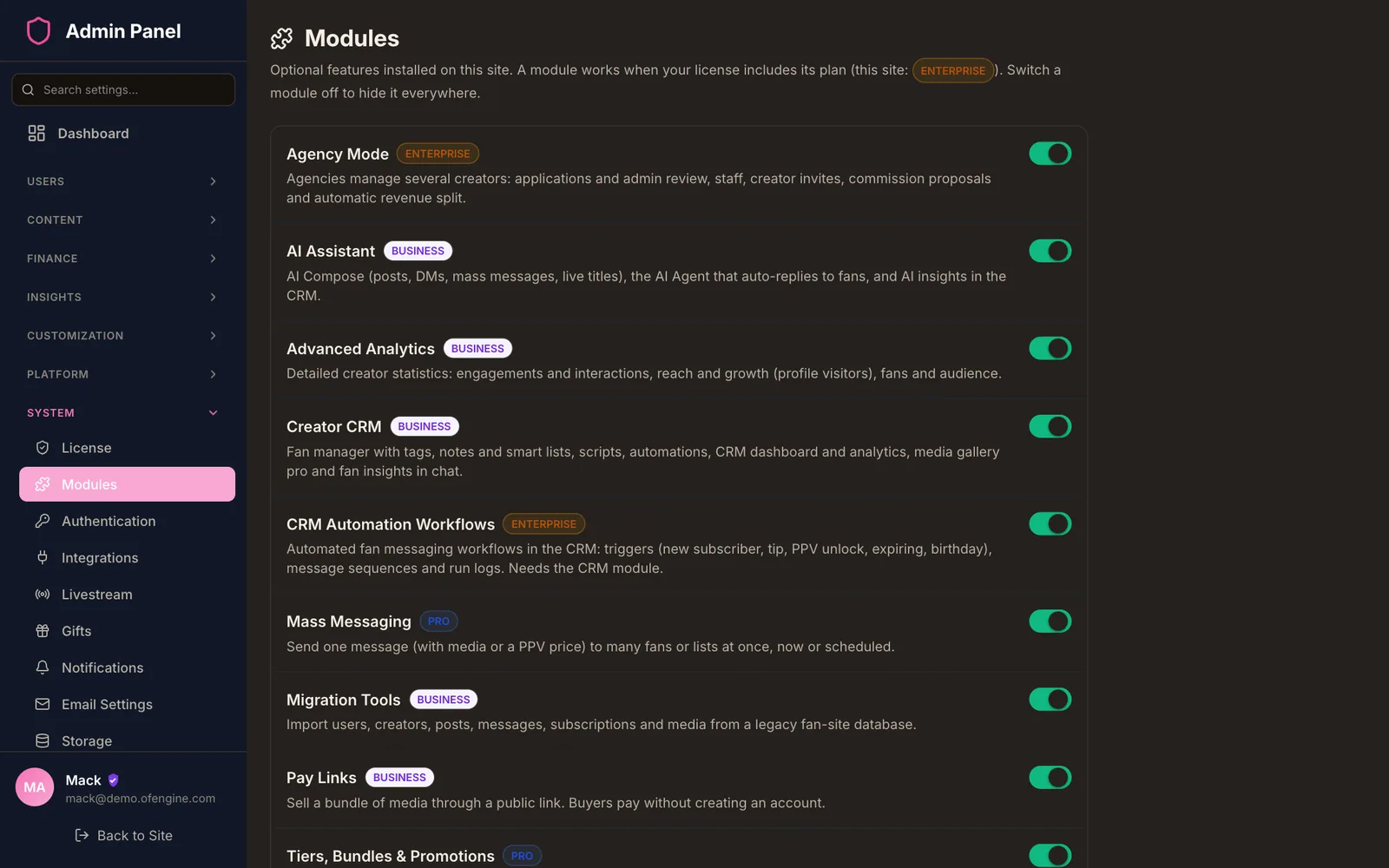
Each creator sets their own tier names, perks and prices. You set the platform fee and the tip range for the whole site.
Fans pay for a tier through your payment gateway or from their wallet balance, with auto top-up so renewals don't stall.
Fansly can lock a single piece of media to one tier.[3] Per-tier locking of individual posts is not on our verified feature list. Posts are free, for subscribers or pay-per-view. Test it in the demo if you rely on it.
Which plan? Tiers, bundles, promotions and trial links start at Pro ($1,500 one-time). Regular ($300) sells one subscription price per creator.
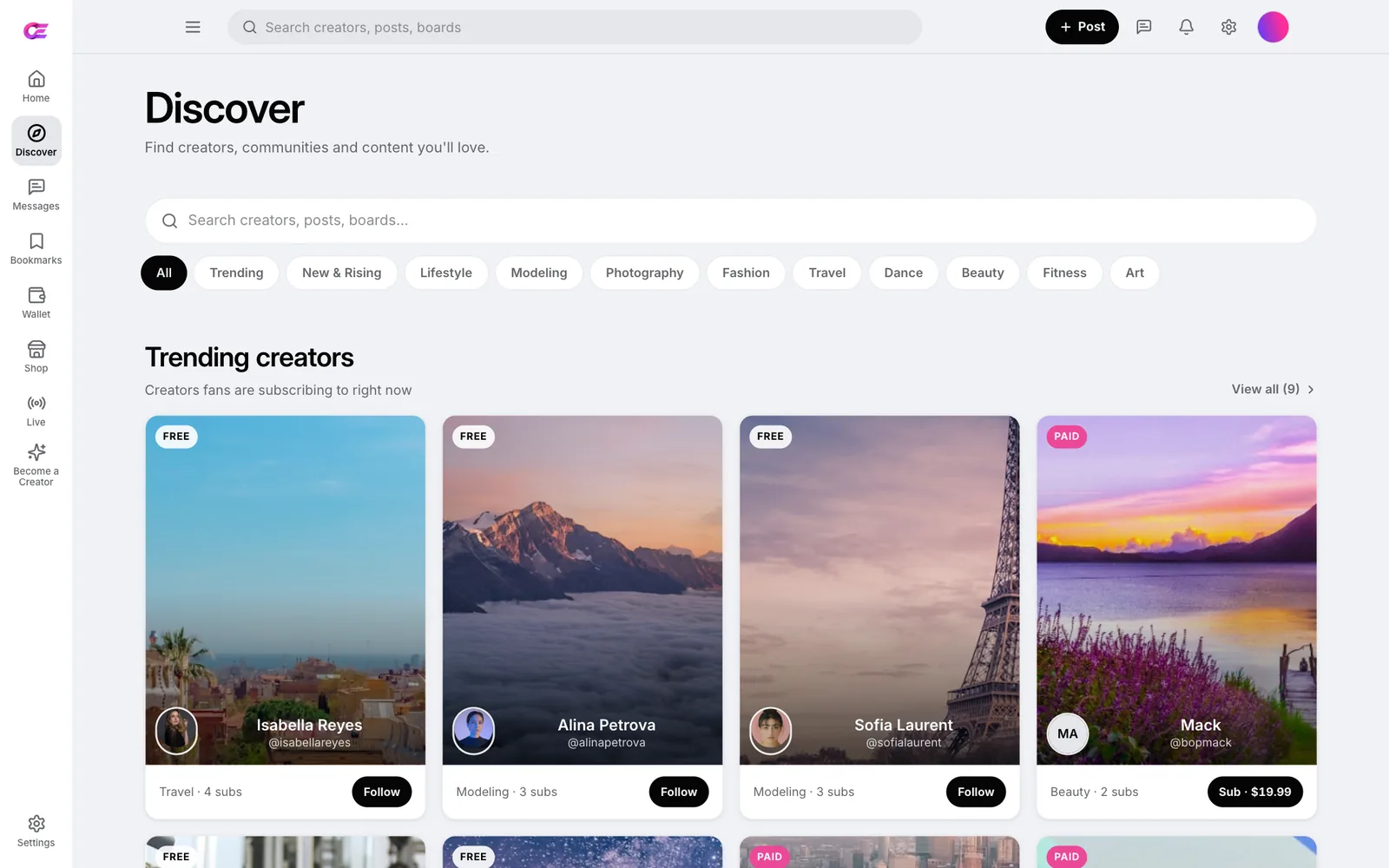
A fan who subscribes to one creator should be able to find the next one on your domain. The Discover page is built for that.
Fans search creators and posts, then narrow the list with topic chips such as Lifestyle, Modeling, Photography, Fashion, Travel, Dance, Beauty, Fitness and Art, plus Trending and New & Rising.
Most new fans arrive from a creator's own social links. A logged-out visitor lands on the profile, sees the cover, bio and subscribe button. Once they join, the same page shows their subscription status and opens the creator's posts and media.
Fansly also runs a For You page that recommends posts to each fan from their activity,[6] plus a Suggestions tab and tag matching.[7] OFEngine has no per-fan recommendation feed. Its discovery is search, topics and trending lists.
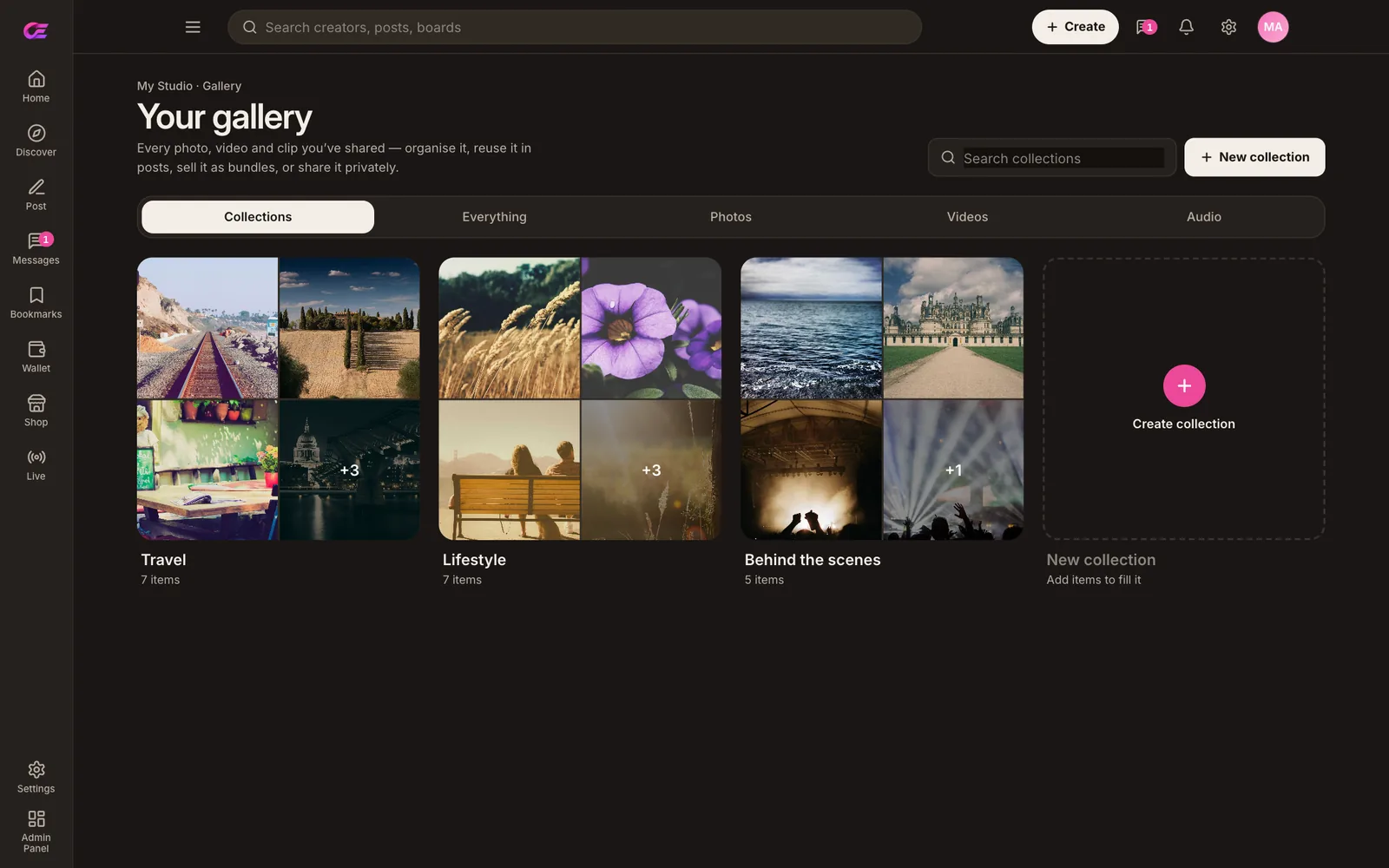
On Fansly, every upload lands in a Vault with default and custom albums for reuse.[8] OFEngine gives creators a gallery that works the same way, and a calendar to plan what goes out.
Creators sort photos, videos and audio into named collections, such as Travel, Lifestyle or Behind the scenes on our demo, and pull from them when they post.
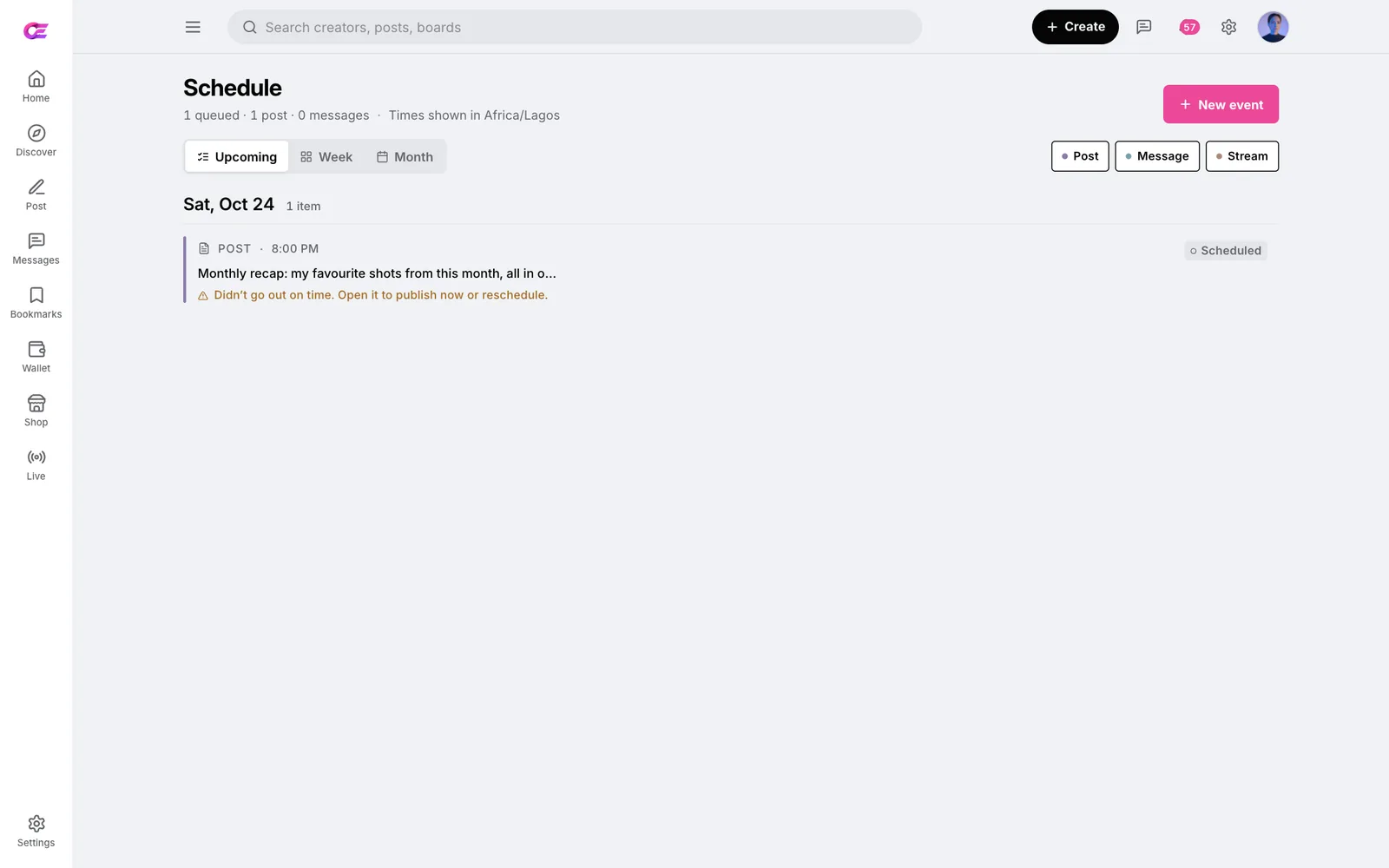
The Schedule page queues three kinds of event: a post, a message or a stream. Creators switch between upcoming, week and month views to see gaps in their plan.
Pro adds scheduled DMs, and the mass messaging module can send now or later. A creator can line up a week of content in one sitting.
Tiers and discovery bring fans in. These are the tools that earn from them every week. Some depend on the plan, so check the pricing table.
Fansly details are from its help centre, as cited in our Fansly clone guide (checked 23 October 2026). The right column covers what you gain and what you take on.
| Topic | Fansly | Your OFEngine site |
|---|---|---|
| Revenue split | Creators get 80%, Fansly keeps 20%[1] | Your platform fee % in the admin; nothing goes to OFEngine |
| Tiers | Several tiers per creator, $5 to $499.99 a month[2][9] | Several tiers per creator with perks (Pro and up) |
| Longer plans and offers | 2-, 3- and 6-month plans up to 50% off, promotions, discount links, free trials[4][5] | Quarterly, semi-annual and annual prices with discounts, promotions, trial links |
| Discovery | For You page, Suggestions tab, tags and hashtags[6][7] | Discover page with search, topic chips and trending creators; no per-fan feed |
| Media library | Vault with default and custom albums[8] | Gallery with collections, stored in your own bucket |
| Mass messages | Target or exclude lists, tiers and expired fans[10] | Send to lists such as active, expired, renewing soon and top spenders |
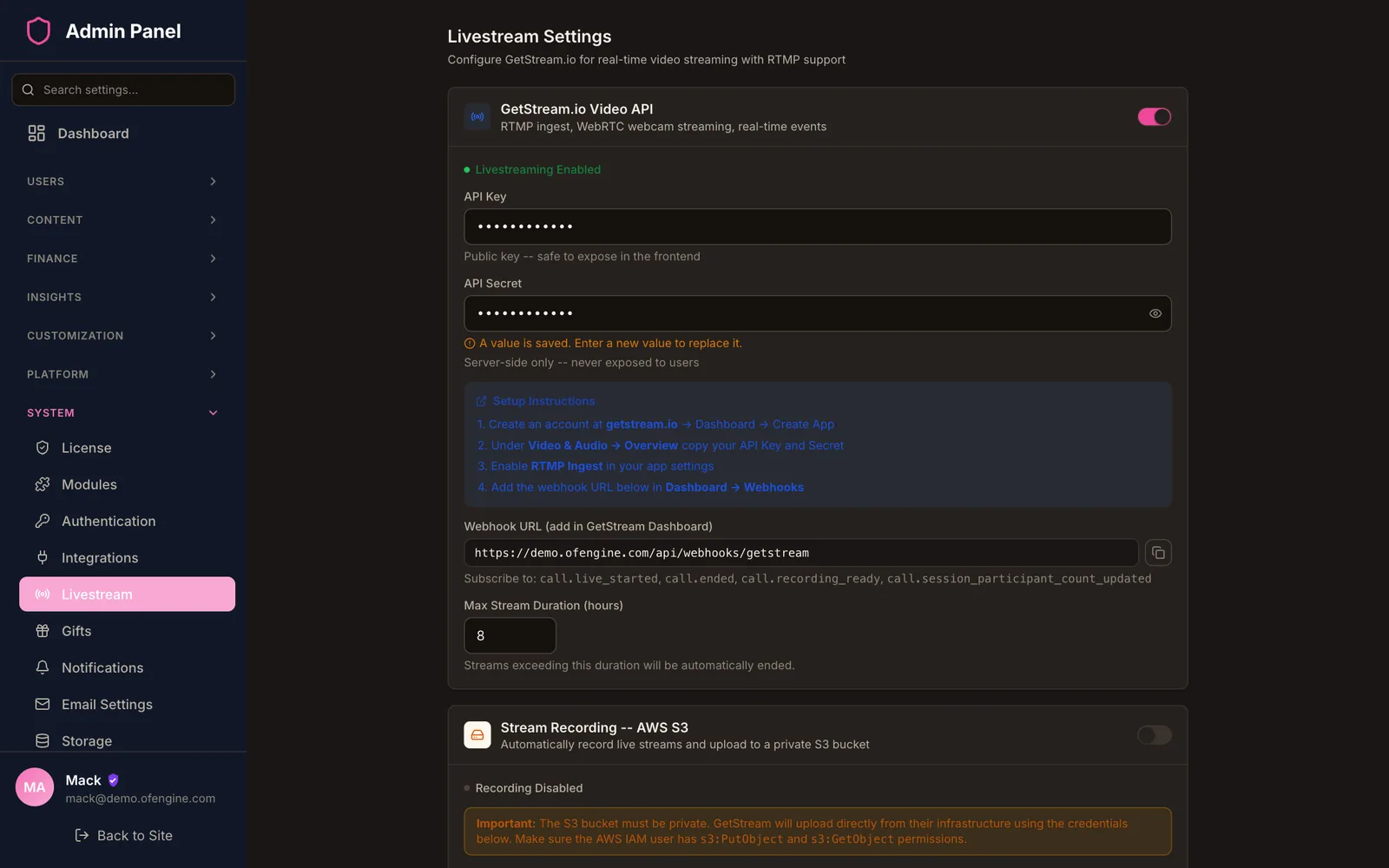
| Livestreams | OBS or an RTMP mobile app with a stream key[11] | RTMP or webcam on your GetStream account, with stream gifts |
| Payouts | 7-day hold; $20 to $100 minimum by method[1][12] | You pick the methods, minimum and schedule, and approve each request |
| ID and age checks | Run by Fansly through Ondato[13][14] | Yours: manual ID review in the admin, plus a third-party age-assurance vendor where the law needs one (an 18+ click-through is not enough for UK adult sites[17]) |
| Audience | Fans already browsing Fansly | Your creators bring their own followers |
Be clear about the trade. Part of what creators pay Fansly for is a processor relationship, ID and consent checks, age verification and payouts that Fansly runs. On your own site, your team does that work. It pays off when you already have creators with steady sales, not as a way to find them.
Enter what fans spend each month across your creators and adjust the assumptions. The answer is an estimate, not a quote.
Pay once, host yourself, own the code forever.
$300 one-time
Everything required to launch a content-creator site.
Laravel backend source · React compiled
$1,500 one-time
Adds the creator power tools. Full source: fully editable.
Full Laravel + React source code
$3,000 one-time
Team management, the full AI suite and advanced CRM.
Full Laravel + React source code
Custom contact us
Multi-creator agency, your own mobile apps, full CRM and dedicated support.
Full Laravel + React source code
Contact salesSecure checkout. 3-day money-back if it doesn't fit your use case.
Pro ($1,500 one-time) and every plan above it. Pro adds multiple tiers per creator, multi-month bundles, promotions, discount codes and trial links. Regular ($300) sells one subscription price per creator, along with pay-per-view, messages, tips, livestreams and the fan wallet. See the plan list.
Yes, on Pro and up. Creators make trial links, run promotions and set a discount on quarterly, semi-annual and annual prices. A creator can also switch to a free tier, which disables the paid tiers until it is switched off again.
No. Fansly's For You page recommends posts to each fan based on their activity.[6] OFEngine has a Discover page with search, topic filters and trending creators instead. On a new site most traffic comes from creators' own social accounts, so profiles and trial links matter more than an algorithm at the start.
In storage you control: AWS S3, DigitalOcean, Backblaze or Google. Files stay in a private bucket and are served through presigned URLs, and video is processed with FFmpeg. Creators sort their uploads into collections in the gallery.
We do not offer a Fansly importer. Creators upload their media to the gallery on your site, and their fans subscribe again on your domain, often through a trial link. If you need to bring over data from another fan-site database, contact us about a custom migration.
Your own running costs: the server, storage and bandwidth, GetStream usage if creators stream, card-processing fees, and any ID-check or age-assurance vendor you use. OFEngine takes no commission on sales. Our cost-to-launch guide breaks these down.
The code includes CCBill, NETbilling (Direct Mode) and NOWPayments for crypto, which suit adult sites, plus Stripe and PayPal for safe-for-work sites. Stripe does not allow pornography or other mature audience content.[15] You apply for each merchant account yourself.
No. OFEngine is independent software and is not affiliated with Fansly. Fansly is a trademark of its owner, and we use the name only to describe the kind of site you can build. Your site carries your own brand.
Sources (Fansly facts checked 23 October 2026)
Fansly is a trademark of its owner. We use the name only to describe the kind of site OFEngine can run. OFEngine is not affiliated with, endorsed by or connected to Fansly.
Buy the licence once, install it on your server and set the split yourself.